
 by Ontiqo
Recovered files
When another computer replaces or deletes a file, the copy that was here is kept for 30 days.
- Choose Restore to put it back.
Echofiles keeps folders the same on your computers, copying files straight from one to the next.
brew install --cask ontiqo/tap/echofilesDownload for Linuxcurl -fsSL https://echofiles.app/install.sh | sh For Windows, Mac and Linux. All downloadsInternet sync US$19.99, once · Other systems and versions

Computers on the same network sync for free.
One purchase lets computers on different networks sync too. It covers every computer on your account.
Files go from one computer to the next, not through cloud storage.
Live Mesh kept folders the same across your computers, with no cloud drive in between, until Microsoft closed it in 2013. Echofiles works the same way.
With a Google, Apple or Microsoft account, or an email address.
Any folder.
From then on, changes on one computer are made on the others, including renames, deletions and empty folders.
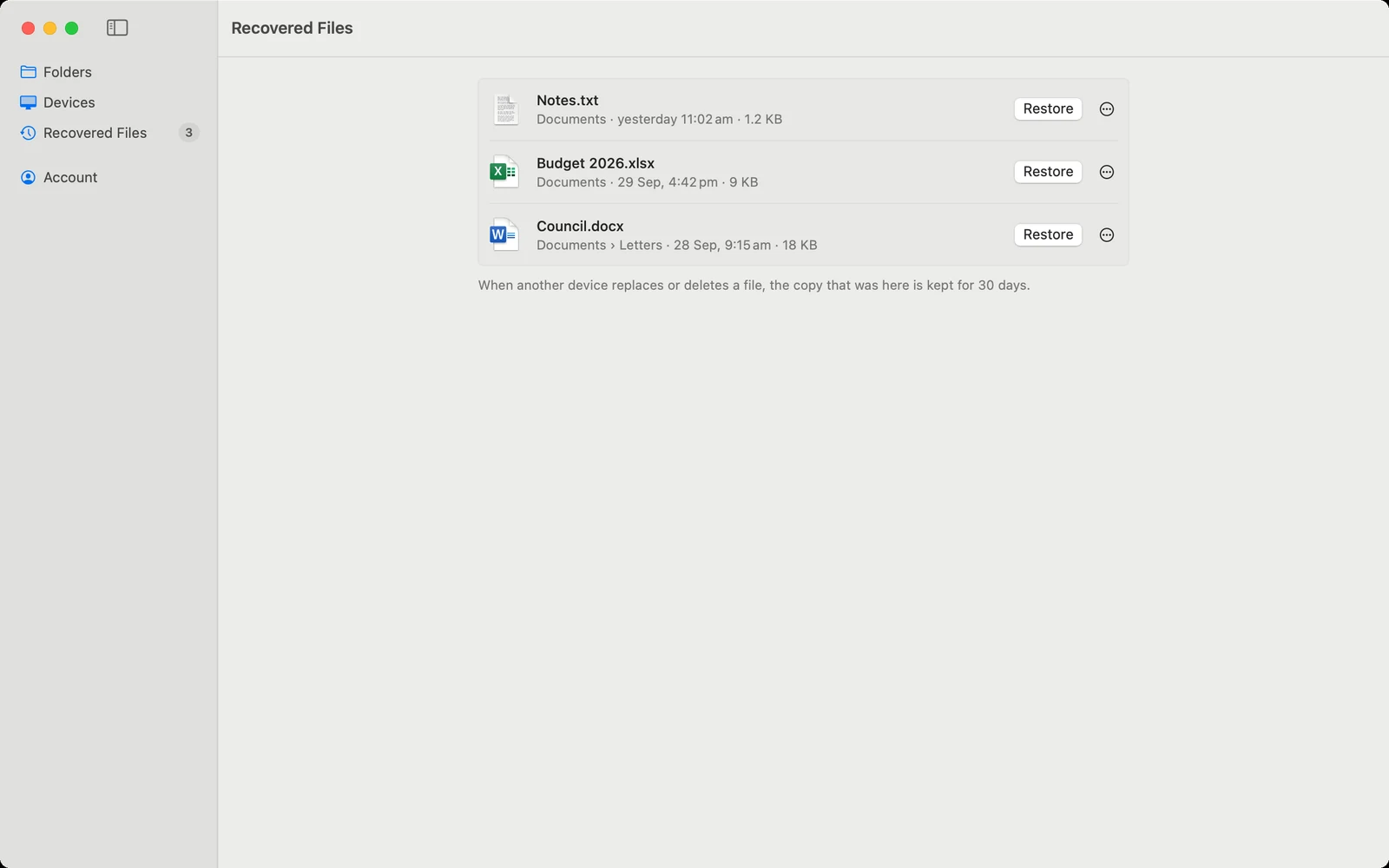
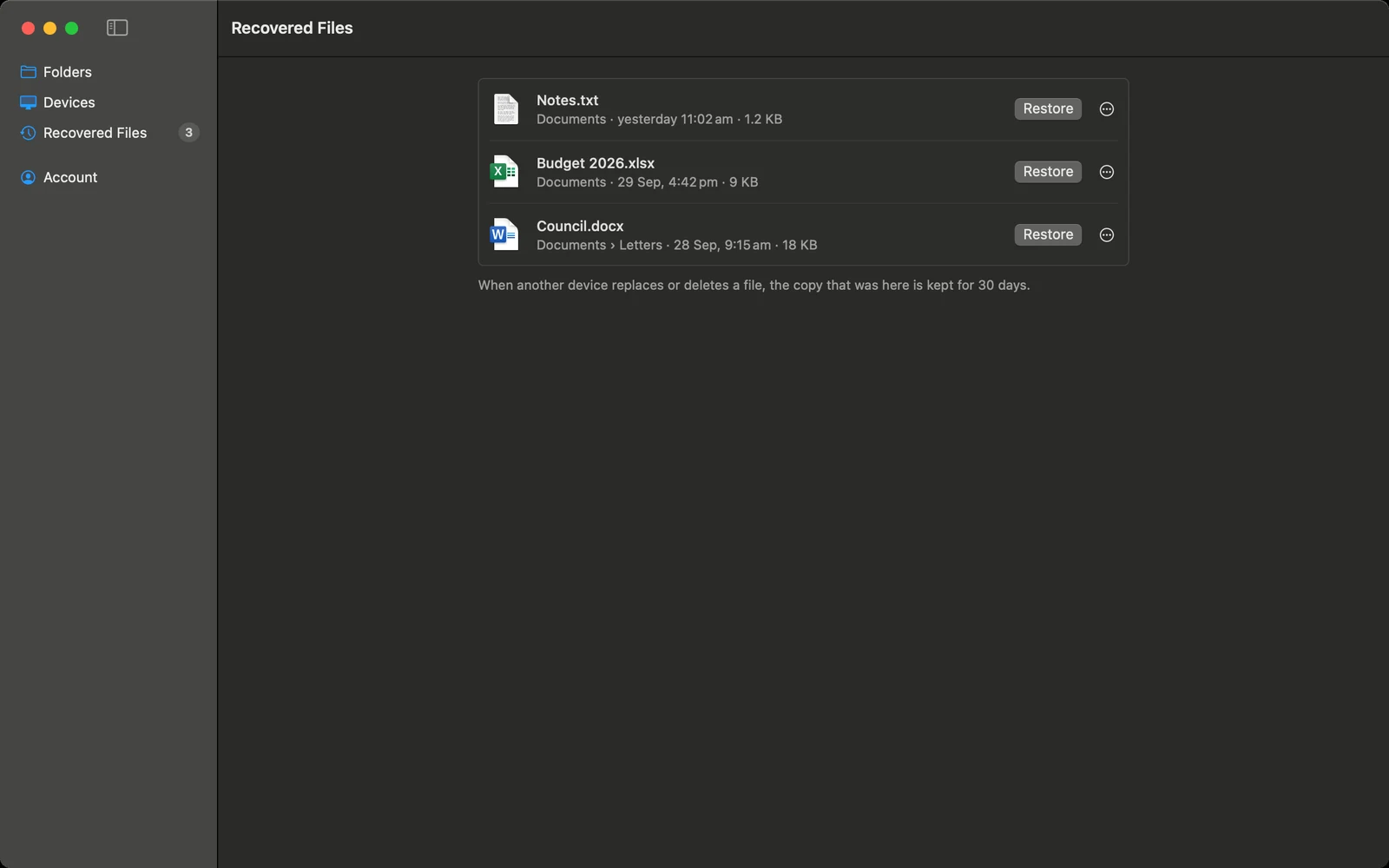
When another computer replaces or deletes a file, the copy that was here is kept for 30 days.
When two computers can’t connect directly, another of yours relays the files.
In the notification area on Windows, the menu bar on a Mac, and with its window closed on Linux. It can start when you sign in.
Install it on each computer and sign in with the same account.
brew install --cask ontiqo/tap/echofilesDownload for Linuxcurl -fsSL https://echofiles.app/install.sh | sh For Windows, Mac and Linux. All downloadsInternet sync US$19.99, once · Other systems and versions
Questions? See Help or contact support.